




Who is this article for?
- Existing Tenants that want to pay automatically on their resident's portal in Las Vegas, NV
Before you begin
This is done exclusively on your resident portal, it's not available if online payments are disabled on your portal.
Step 01
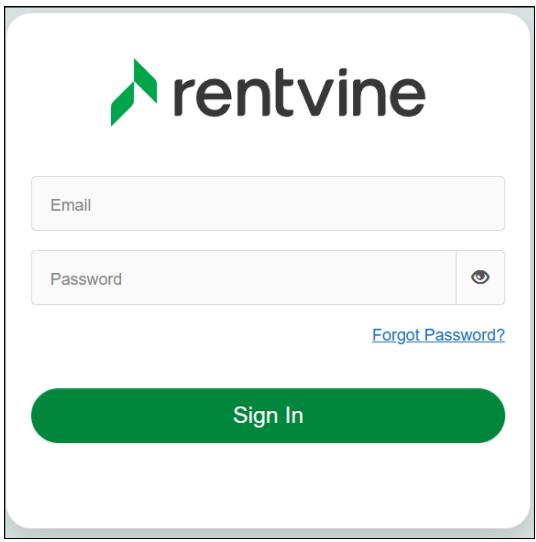
Sign in to your Resident Portal.
Step 02
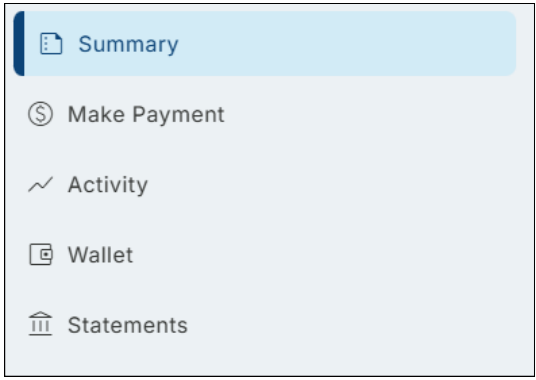
In your Resident Portal's Summary Page, locate the AutoPay section.
Step 03
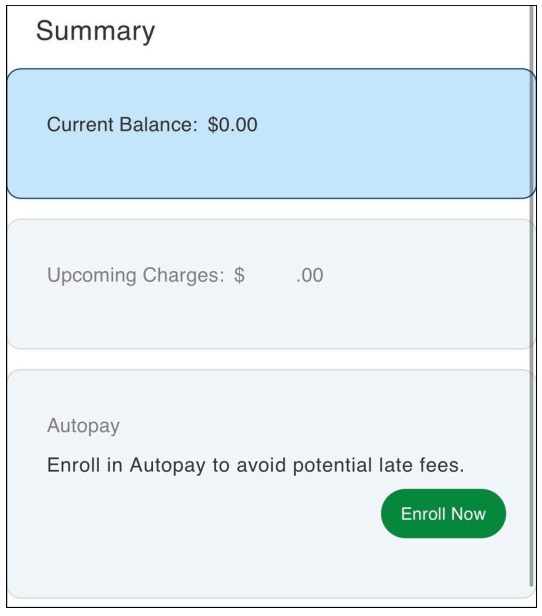
Scroll down to AutoPay and tap Enroll Now.
Step 04
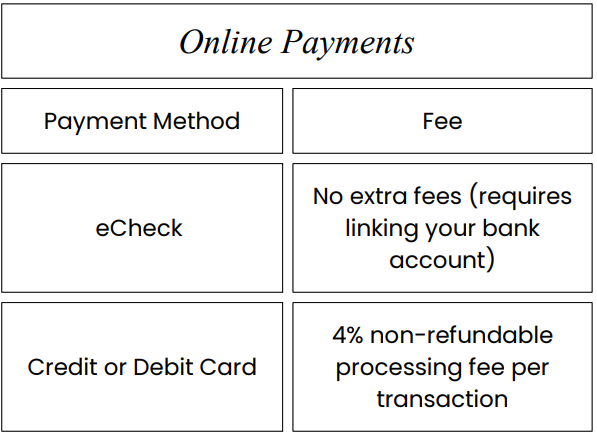
Set up your preferred payment method...
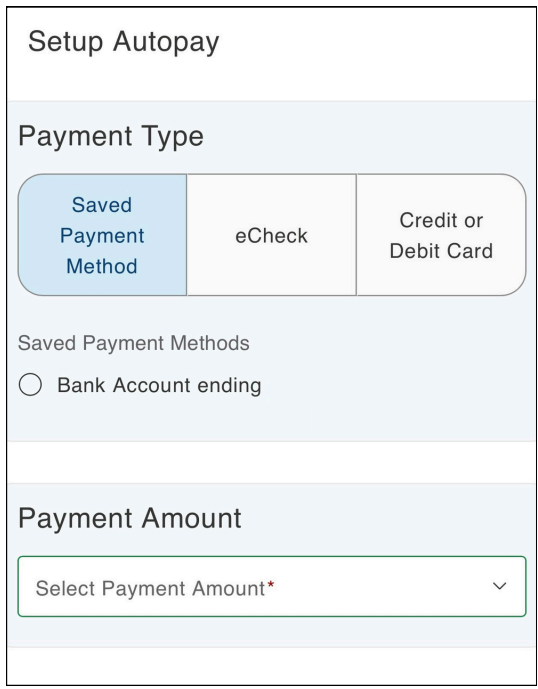
...and keep the following in mind when choosing one.
Step 05
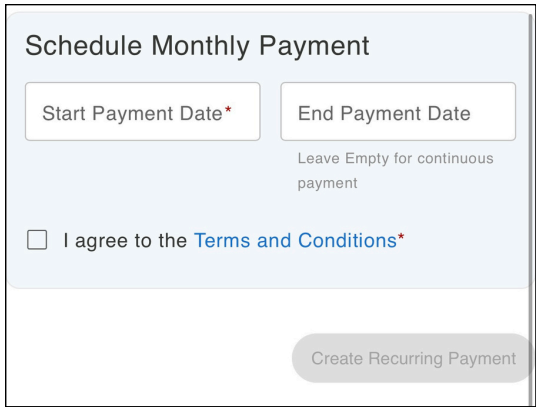
Schedule your monthly payment by setting the start and end dates.
Once AutoPay is set up, your payments will be processed automatically according to your selected schedule. You can update or cancel AutoPay at any time through your resident portal.
 Bonnie is the visionary that has driven the company and culture of Avalon since 1993. Her passion is improving procedures and practices; incorporating technology and value added services for both our clients and tenants.