




Who is this article for?
- Existing Tenants that want to move out in Las Vegas, NV
Before you begin
Remember that your lease requires a 30-day notice prior to moving out.
Step 01
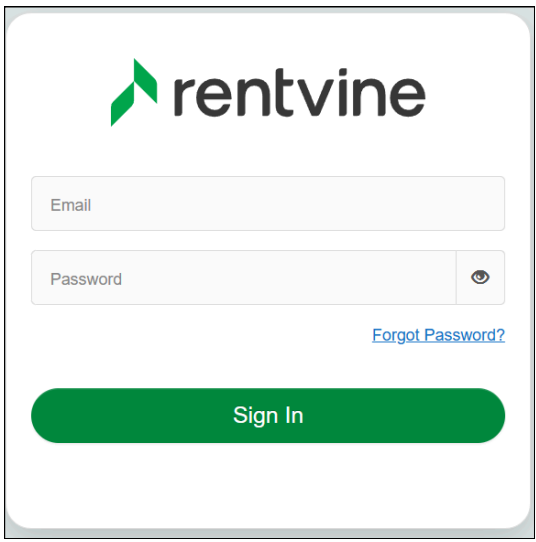
Sign in to your Resident Portal.
Step 02
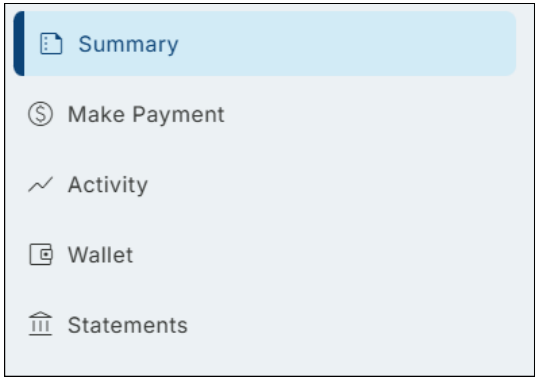
In your Resident Portal's Summary Page, navigate to your Lease Details.
Step 03
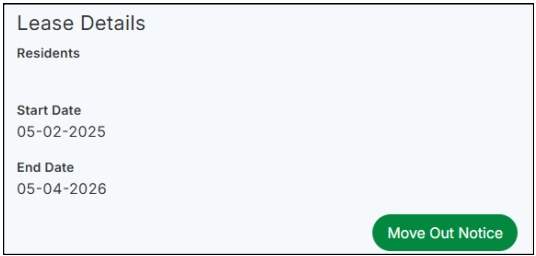
Scroll down to the Lease Details tab. On the right side of the Lease Details tab, click the Actions button and select Move Out Notice to begin.
Step 04
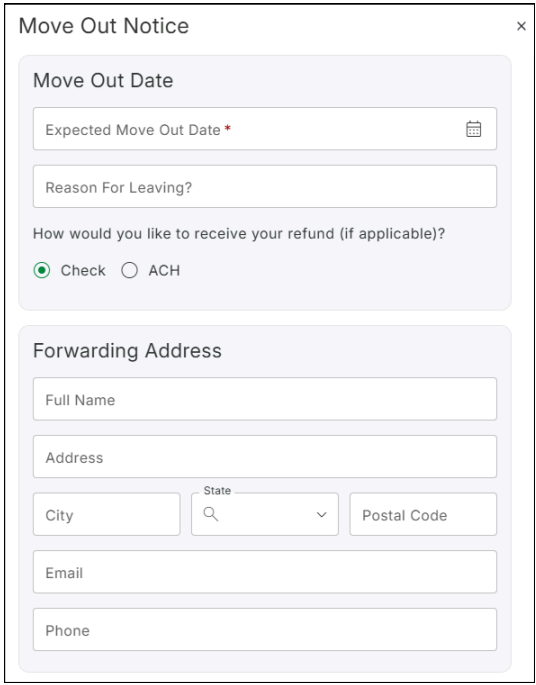
After clicking "Give Move Out Notice," a new tab will open where you can enter your move-out date, reason for leaving, and forwarding address.
Step 05
After submitting your notice, our team will take it from there and guide you through the move-out process. If you need anything along the way, don't hesitate to reach out, we're here to help.
 Bonnie is the visionary that has driven the company and culture of Avalon since 1993. Her passion is improving procedures and practices; incorporating technology and value added services for both our clients and tenants.